
Last updated: October 14, 2026
TL;DR Palantir Foundry helps manufacturers connect ERP, MES, quality, and sensor data into one Ontology of assets, lines, orders, and defects, then build apps and AIP agents that act on it. The three most common uses are predictive maintenance, quality traceability, and production scheduling. Warp Speed packages those workflows for manufacturers. Start with one plant, one decision, and clean asset data before any machine learning. It’s one of the industries we work across.
Palantir Foundry for manufacturing connects ERP, MES, quality, and sensor data into one Ontology of plants, lines, assets, and orders, so teams can predict failures, trace defects, and reschedule production from the same live picture.
A stopped line costs real money, fast. Siemens’ True Cost of Downtime 2024 put unplanned downtime at roughly $1.4 trillion a year for the world’s 500 largest companies, about 11% of their revenue. In automotive, an idle line at a major plant can cost up to $2.3 million an hour.
Most plants already have the data to see trouble coming. It’s just split across SAP, an MES, a historian full of sensor readings, a quality database, and a few spreadsheets the maintenance lead swears by. Nobody can see all of it at once.
That’s the problem Foundry is built for. This guide covers what Palantir offers manufacturers, how the data model works, the three use cases that pay back first, how Warp Speed fits in, a realistic rollout plan, and where it isn’t worth the money. One note before we start. The customer results below are reported by Palantir or the companies themselves, and PAL4C Labs wasn’t involved in any of them.
What Does Palantir Foundry Do for Manufacturers?
It joins plant and enterprise data into an Ontology, a live model of assets, lines, work orders, materials, and defects. Teams then build apps, schedules, and AI agents on that model to decide faster and write decisions back to source systems.
Palantir made this a packaged offering in June 2023, when it launched Foundry for Manufacturing on AWS on the AWS Industrial Data Fabric. The launch named four use cases. Yield optimization, dynamic maintenance, production scheduling, and computer vision quality detection.
The same announcement cited Jacobs, which reported a 20% annual reduction in plant-wide energy use at its pilot site within 6 months. Vendor-reported, single site. Still a useful signal of what the first wins look like. They’re operational, not dashboards.
What’s different from a BI layer on top of SAP? Writeback. A planner who moves a work order or holds a lot in Foundry can push that decision back through Actions, with a record of who did it and why. Our Palantir Ontology explainer covers how objects, links, and Actions work.
What Does a Manufacturing Ontology Look Like?
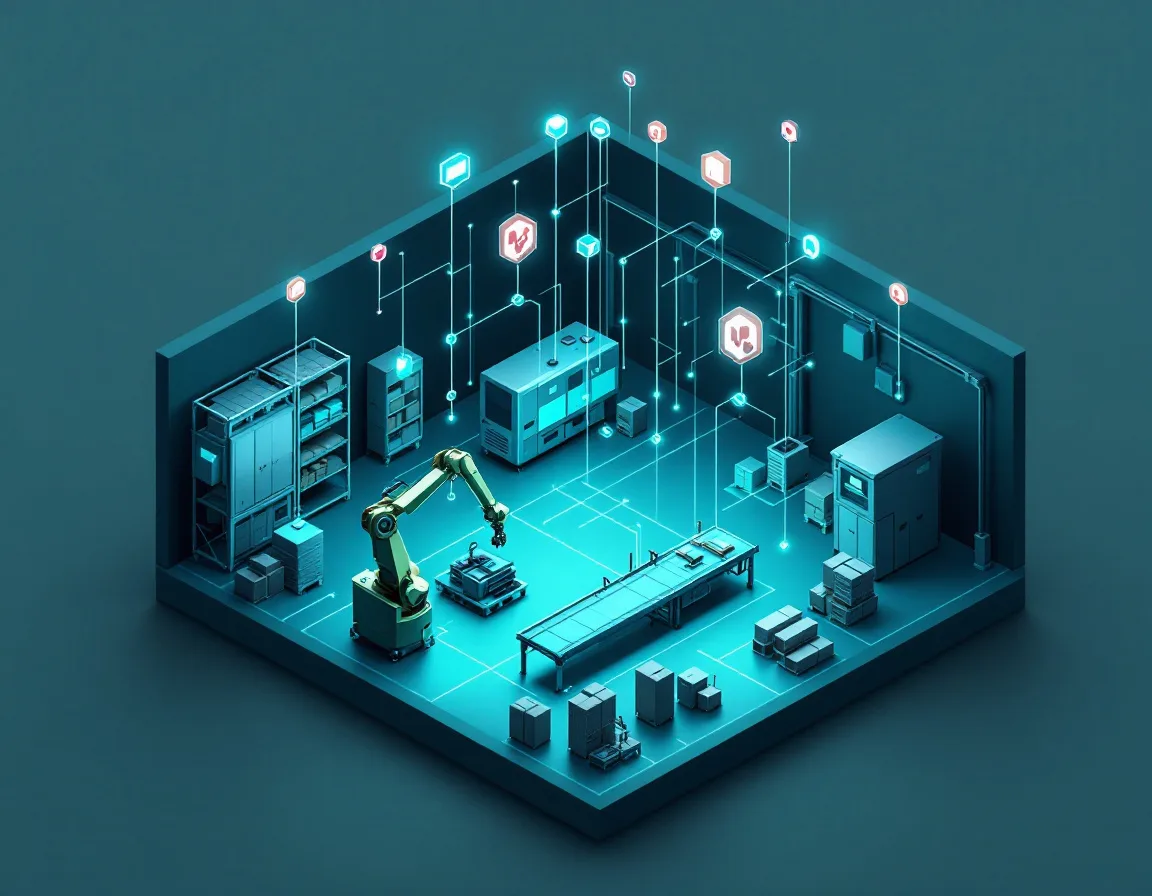
A typical plant model has assets, sensors with time series, work orders, production lines, shifts, materials, lots, defects, and suppliers, all linked. That linking is what lets a defect be traced to a lot, a machine, a shift, and a supplier in one click.
Here’s the starting model we’d sketch for a discrete manufacturing plant.
| Object | Main source | Links to | Used for |
|---|---|---|---|
| Asset (machine) | SAP PM, asset register | Line, Sensor, Work Order | Maintenance, uptime |
| Sensor | Historian or IoT platform | Asset | Condition monitoring |
| Work Order | SAP PM or CMMS | Asset, Technician, Part | Maintenance planning |
| Production Order | SAP PP or MES | Line, Material, Lot | Scheduling |
| Lot or Batch | MES | Material, Defect, Supplier | Traceability |
| Defect | QMS, inspection systems | Lot, Asset, Shift | Quality root cause |
| Supplier Part | ERP purchasing | Supplier, Material | Supply risk |
Sensor data rides on time series properties, which let an Asset object carry its temperature, vibration, or pressure history directly. That’s what makes a Workshop screen showing a machine’s status, open work orders, and last 30 days of vibration possible without stitching three tools together.
SAP is usually the hardest source. Palantir’s SAP ERP connector covers ECC and S/4HANA through a certified add-on, and our guide to Foundry data integration walks through how that connection actually gets built.
Our honest advice? Keep the first model small. Asset, Sensor, Work Order. Three objects. Add the rest when a real decision needs them.
How Does Predictive Maintenance Work in Foundry?
In stages. First, put assets, work orders, and sensor history in one place so technicians can see condition and history together. Then add rules and alerts. Only then add predictive models, once the data shows which failures are actually predictable.
Most teams want to start at the last step. Bad idea.
A large plant loses about 27 hours a month to unplanned downtime across about 25 incidents, according to the same Siemens downtime study, which also found nearly half of companies now have dedicated predictive maintenance teams. The problem is rarely the absence of a model. It’s that failure history lives in free-text work order notes nobody has structured.
A sensible path looks like this.
| Stage | What you build | What it gives you | Typical gap it exposes |
|---|---|---|---|
| 1. See | Asset 360 view with sensors, work orders, and parts in Workshop | One screen per machine | Missing or messy asset IDs across systems |
| 2. Alert | Threshold rules and health checks on sensor data | Earlier warnings, fewer surprises | Thresholds nobody agrees on |
| 3. Prioritize | Ranked work queue by risk and production impact | Technicians fix what matters first | No link between assets and production orders |
| 4. Predict | Failure models trained on history | Planned stops instead of breakdowns | Too few labeled failures for some asset types |
Stage 3 is where we see the biggest jump. A ranked queue that knows which machine feeds tomorrow’s priority order beats a fancy model that predicts a failure on a machine nobody needs this week.
AIP fits here too. A maintenance assistant can read the manuals, the asset history, and recent work orders, and draft a fix plan for a technician to approve. Our guide to AIP agents covers how to build and test those.

How Does Foundry Help With Quality and Traceability?
By linking every defect to its lot, line, machine, shift, and supplier part. When a quality issue appears, teams can trace it back through that chain in minutes, find every other affected lot, and hold or recall only what’s actually at risk.
Traditional root cause work means pulling exports from the MES, the QMS, and ERP, then joining them in Excel. By the time the answer arrives, the next shift has made more of the same part.
Stellantis is a public example. When it signed its enterprise Foundry agreement in 2022, the deal covered 14 automotive brands and plant locations, and the stated goal included using connected vehicle data to foresee quality issues.
Process mining helps here too. Palantir’s Machinery app, documented for operationalizing process mining, looks for bottlenecks and rework loops in how orders actually flow. It isn’t available on every enrollment, so check yours.
Where does this break? Inconsistent part and lot numbers between systems. If the MES calls it a batch and SAP calls it a lot with a different ID format, traceability stops at that seam. Fix the key mapping in the pipeline, not in the app.
How Does Foundry Handle Production Planning and Scheduling?
Through Dynamic Scheduling, which models tasks as schedule objects and lines, people, or machines as resource objects. Planners drag work on a Gantt view, test what-if scenarios, and get recommendations that respect constraints coded as validation rules.
Palantir’s scheduling docs define a schedule object as the Ontology’s representation of a task with a start and end time, and a resource object as any entity, like a person or location, that work gets assigned to. Scenarios let planners compare what-if options before committing, and validation rules codify constraints such as a line that can’t run two product families back to back.
Why does that matter? Because the planner’s real job isn’t building the schedule. It’s rebuilding it at 10 a.m. when a machine goes down and a supplier truck is late.
Lear is the clearest public example. In a September 2025 announcement, Lear and Palantir expanded their partnership for five years across Lear’s global manufacturing footprint. Lear said more than 11,000 employees use the software, that use cases include dynamically balancing manufacturing lines and assessing tariff exposure, and that its program produced more than $30 million in savings in the first half of 2025. Company reported, but specific.
Scheduling also touches suppliers. Our post on Palantir for supply chain covers the inbound side.
What Is Palantir Warp Speed, and Do You Need It?
Warp Speed is Palantir’s manufacturing operating system, built on Foundry, Apollo, and AIP for factory workflows like production scheduling, engineering change management, and automated visual inspection. It’s aimed heavily at defense and advanced manufacturers.
Palantir launched its first Warp Speed cohort in December 2024 with Anduril, L3Harris, Panasonic Energy of North America, and Shield AI, naming dynamic production scheduling, engineering change management, and automated visual inspection for quality as core uses. Anduril’s CIO said the company had seen up to a 200x efficiency gain in anticipating and responding to supply shortages.
A second cohort in March 2025 added six companies, including Epirus, Saildrone, Saronic, and Ursa Major, with a focus on onshore manufacturing, maintenance, and fleet management.
So do you need Warp Speed or plain Foundry? The honest answer is that Warp Speed is a packaging and go-to-market choice on top of the same platform. Defense suppliers and hardware startups scaling production fast are its sweet spot. A food or chemicals plant with a maintenance problem may get there with Foundry and the Ontology alone. Ask Palantir what’s actually different in your contract, not in the brochure. Our Gotham vs Foundry vs Apollo vs AIP explainer helps decode the product names.
How Should a Manufacturer Roll Out Foundry?
One plant, one decision, then scale. Most first manufacturing use cases reach users in 8 to 12 weeks when source access is approved early. The common trap is trying to model every plant and every system before anyone uses anything.
Here’s the phased plan we’d recommend.
- Pick one plant and one decision with a dollar value, such as which maintenance jobs to do this shift.
- Request SAP, MES, historian, and QMS access in week one. Security reviews take longer than the build.
- Build the minimum Ontology for that decision, usually three to five object types.
- Put a Workshop screen in front of real users by week four, even if it’s rough.
- Add Actions so decisions write back, and measure the before and after number.
- Only then add predictive models or AIP agents.
- Copy the model to a second plant and see what breaks. Something will.
Step 7 tells you whether you built a plant app or a platform. Different plants name assets differently, run different MES versions, and have different shift patterns. Budget for that.
Public benchmarks back the 8-week figure. At least two consultancies have published anonymized Foundry maintenance projects with first releases in about 8 weeks, built on asset, work order, and sensor models much like the one above.
For a longer view of phases and staffing, see our Foundry implementation guide.
Is Palantir Worth It for Your Plant?
It’s a strong fit for multi-plant manufacturers with costly downtime, many disconnected systems, and decisions that cross maintenance, quality, and planning. It’s a weaker fit for single-site, mid-sized plants with one ERP and a working MES, where lighter tools may do.
Good fit.
- Multi-plant operations where nobody has one view of assets or capacity
- High-cost downtime, like automotive, batteries, semiconductors, aerospace, or defense
- Heavy SAP estates plus separate MES and quality systems
- Leaders ready to change how planning and maintenance decisions get made, not just report on them
Weaker fit.
- One plant, one ERP, and a modern MES that already handles scheduling
- Teams looking for a dashboard tool. Foundry costs too much to use as one
- Organizations with no one to own the data model after go-live
Cost deserves a straight answer. Foundry is an enterprise platform with usage-based compute pricing, and it’s priced for operations where downtime is measured in thousands of dollars an hour. Our Foundry pricing breakdown covers how compute and licensing work.
The context isn’t going away either. Deloitte’s 2026 Manufacturing Industry Outlook found 80% of surveyed executives plan to put 20% or more of their improvement budgets into smart manufacturing, while also expecting more than 81% of task hours to stay human-driven. That second number is the real design brief. Build for the technicians and planners, not around them.
Start With the Machine That Costs You the Most
Three takeaways. Foundry’s value in manufacturing comes from linking assets, orders, lots, and defects into one Ontology, not from any single model. Predictive maintenance works best as the last step after a shared asset view and a ranked work queue. And one plant with one measurable decision beats a multi-plant blueprint every time.
PAL4C Labs is an independent, Palantir-exclusive consultancy that builds Ontologies, pipelines, Workshop apps, and AIP agents for operations, supply chain, and regulated industries. We’re not affiliated with Palantir.
Tell us which line or asset class hurts most when it stops. We’ll sketch the first Ontology and rollout with you, including the three objects to start with and the data access to request this week. Our operational applications and time-series forecasting teams cover the build.
What Manufacturing Teams Ask About Palantir
Can Foundry Do Predictive Maintenance Out of the Box?
Partly. Foundry gives you the data model, time series on assets, alerts, apps, and model tooling, but the failure models themselves are built on your own history. Most plants get faster wins from a shared asset view and a ranked work queue before any model goes live.
Which Manufacturers Use Palantir?
Public examples include Lear, Stellantis, Jacobs, Panasonic Energy of North America, L3Harris, and Anduril, along with the defense and hardware companies in the Warp Speed cohorts. The outcomes they’ve shared are company or vendor reported.
Warp Speed vs Foundry, What’s the Real Difference?
Packaging and focus. Warp Speed bundles Foundry, Apollo, and AIP into manufacturing workflows like production scheduling, engineering change, and visual inspection, and it’s marketed heavily to defense and advanced manufacturers. Underneath, it’s the same platform and the same Ontology approach.
How Does Foundry Connect to SAP and Plant Systems?
Through Palantir’s SAP ERP connector, a certified add-on that covers ECC and S/4HANA, plus Data Connection for MES, historians, and quality databases. Expect SAP Basis and plant IT involvement from week one.
Realistically, How Long Until the First Use Case Is Live?
8 to 12 weeks for one plant and one decision, assuming data access is approved early. Multi-plant rollouts take longer because every plant names and structures its data a little differently.
Is Palantir Too Expensive for a Mid-Sized Manufacturer?
Sometimes. A single plant with a modern MES and modest downtime costs may get better value from lighter tools. The case gets stronger with multiple plants, costly downtime, and decisions that span maintenance, quality, and planning.
Does It Replace Our MES or ERP?
No. Foundry sits on top of SAP, your MES, and your historians, pulls their data into one model, and writes decisions back. Those systems stay the systems of record.